Blogging can feel like spinning plates. You write, edit, hunt for sources, resize images, check SEO basics, reply to emails, and still try to hit publish on time.
That’s why the best Chrome extensions for bloggers aren’t the flashy ones. These are the tools that help bloggers write faster. They’re the quiet helpers that remove tiny bits of daily friction, like cleaning up research tabs, catching a broken link, or grabbing a clean screenshot for a tutorial.
Below is a curated, practical list of beginner-friendly Chrome extensions for blogging you can use right away. You’ll also get a simple way to pick extensions that match your workflow, so Chrome stays helpful instead of heavy.
The Best Chrome Extensions for Bloggers: What You Need to Do Today
Think of extensions like items in a kitchen drawer. The right ones save minutes every day. The wrong ones create clutter you trip over.
Write and Edit Faster (Drafting, Grammar, and Clearer Sentences)
If you write often, small edits add up fast. These tools help you tighten sentences without losing your voice.
Chrome extensions every blogger should use:
1. Grammarly
Grammarly helps with grammar, clarity, and tone suggestions while you type. This is a popular and one of the best Chrome extensions for bloggers and content writers. One key feature is context-aware rewrites for awkward phrases. For example, you can clean up a rambling intro in Google Docs before you publish.
Caution: It processes what you type, so avoid pasting private client info if you don’t have a clear policy.
2. LanguageTool
It is a strong alternative for grammar and style, especially if you write in more than one language. Its key feature is tone and punctuation checks that feel less “corporate” in many cases. Use it when you want cleaner commas and fewer repeated words in a newsletter draft.
Caution: Like any checker, it can flag good sentences, so don’t accept changes on autopilot.
3. Hemingway Editor
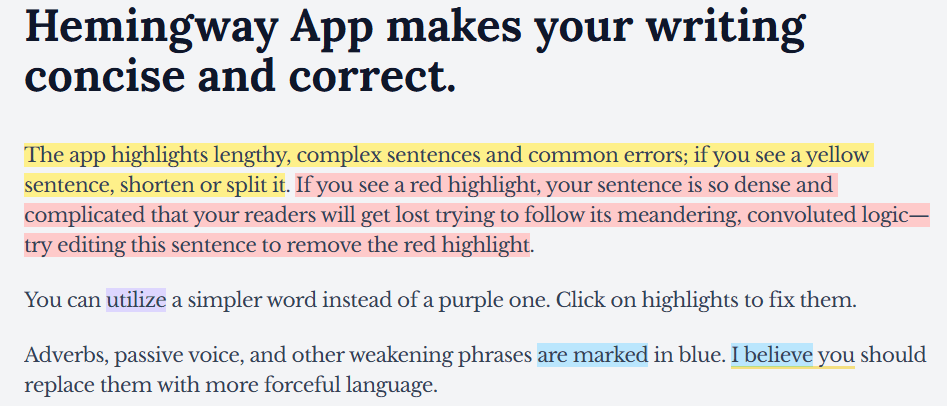
Hemingway Editor is often listed among the best Chrome extensions for bloggers because it focuses on readability. It highlights long sentences, complex phrases, and too many adverbs so writers can simplify their content. The color highlights guide you to make your writing clearer and easier to read. It becomes especially useful when a how-to article starts sounding too technical or like a textbook.
Caution: Readability rules aren’t universal, so keep intentional style when it serves the reader.
4. ChatGPT (or an AI Writing Companion Extension)
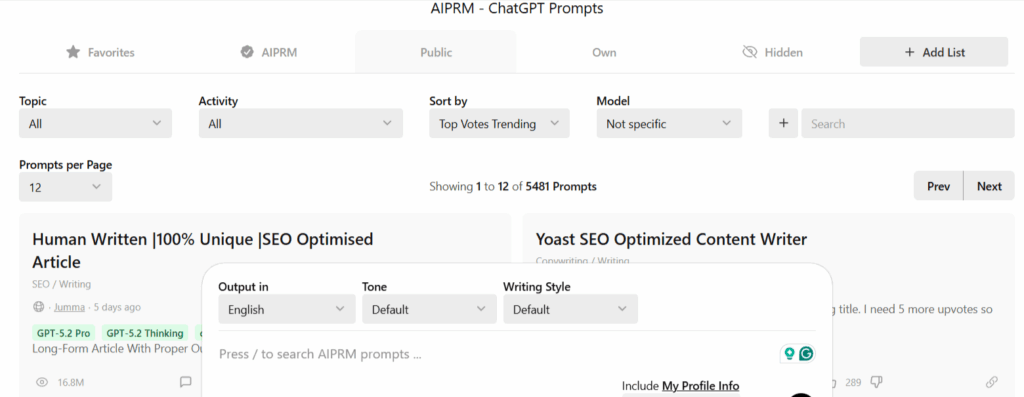
ChatGPT can help with outlines, headline options, and rephrasing. The key feature is fast brainstorming without switching tabs. For example, you can ask for three section ideas to improve flow in a product review.
Caution: Treat AI as an assistant, not a copy machine, and don’t paste sensitive details into prompts.
A good rule: Let tools polish, but keep the final call. Your voice is the brand.
Research and fact-checking without getting lost in tabs
Research can turn into tab chaos in minutes. These extensions help you stay organized while you collect sources.
5. OneTab
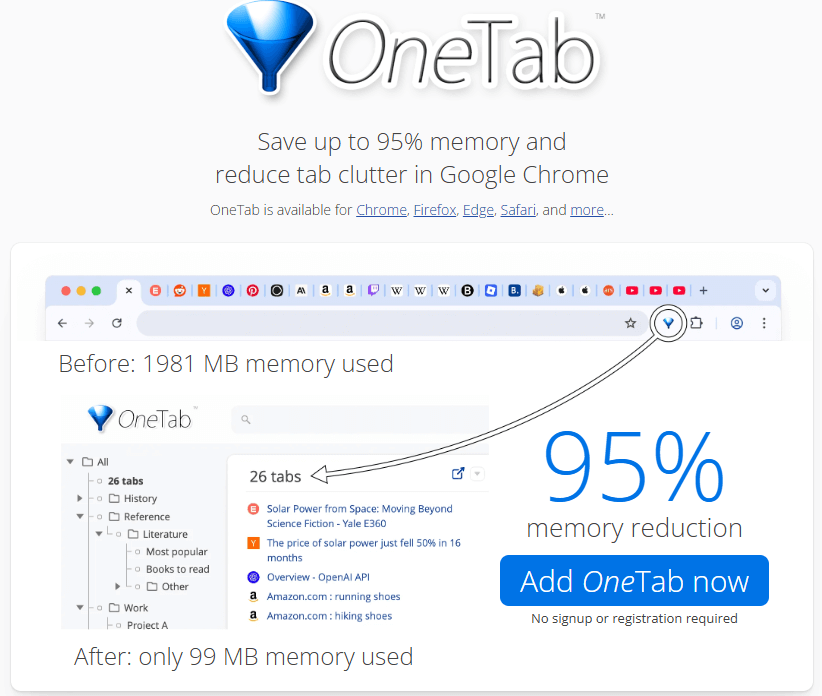
One Tab collapses dozens of open tabs into a single list. Its key feature is instant tab “parking” that reduces memory use. Use it after a research sprint, so you can return later without losing anything.
Caution: If you rely on tabs as a task list, you may forget what you saved, so add short notes in the list.
6. Evernote Web Clipper or Notion Web Clipper
Evernote saves articles, snippets, and screenshots to your workspace. The key feature is clipping with a source link, so you can cite and revisit the original. A simple workflow helps: clip, add a label like “stats” or “examples,” then paste the source link into your draft.
Caution: Clipped pages can change later, so keep dates and, when possible, save key quotes.
7. Google Scholar Button
This extension speeds up academic-style searches when you need stronger sources. Its key feature is quick access to citations and related papers from your browser. Use it when you’re writing about health, education, or finance topics where better sourcing matters.
Caution: Older papers can rank well, so always double-check the publication date and look for more recent research.
SEO and On-Page Checks You Can Do While You Browse
You don’t need a full SEO suite for every decision. These are the best Chrome extensions for bloggers. These extensions give quick signals while you read competitor posts or review your own pages.
8. Detailed SEO Extension
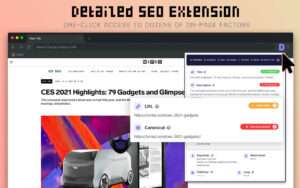
This extension shows key on-page elements at a glance. Its key feature is fast visibility into title tags, meta descriptions, headings, canonical tags, and indexability hints. Use it when you’re checking whether a page has a messy H1 structure.
Caution: It reports what it sees, but it won’t explain why rankings change.
9. Keyword Surfer
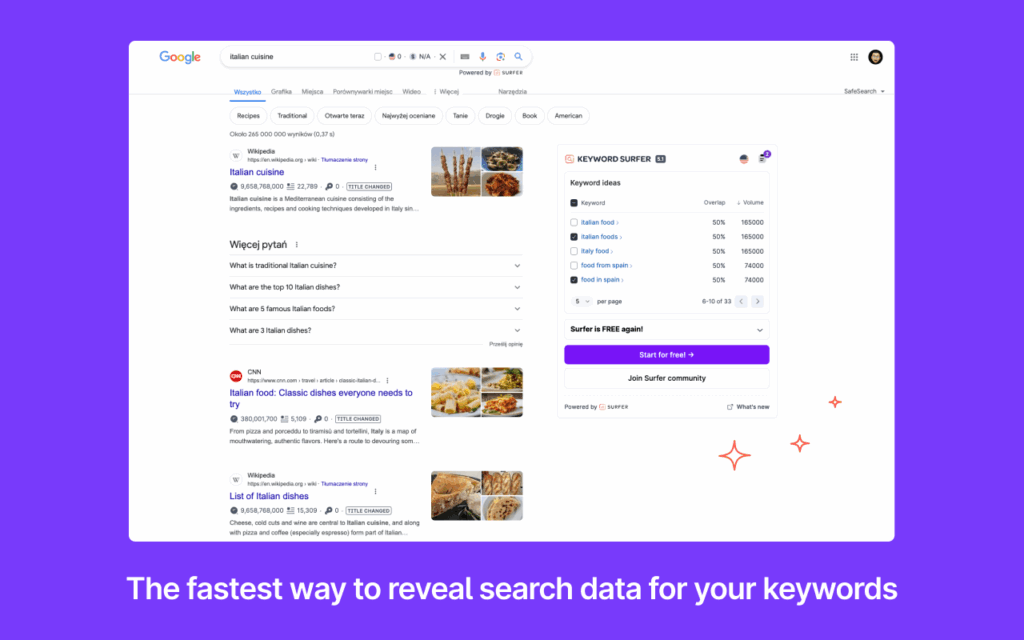
Keyword Surfer adds rough keyword ideas and related terms to Google results. The key feature is quick inspiration for subtopics, not perfect numbers. Use it when you are planning a pillar or cluster post and want ideas for sections that readers usually look for. Caution: Treat volumes as estimates, and validate important topics with more than one source.
10. Redirect Path
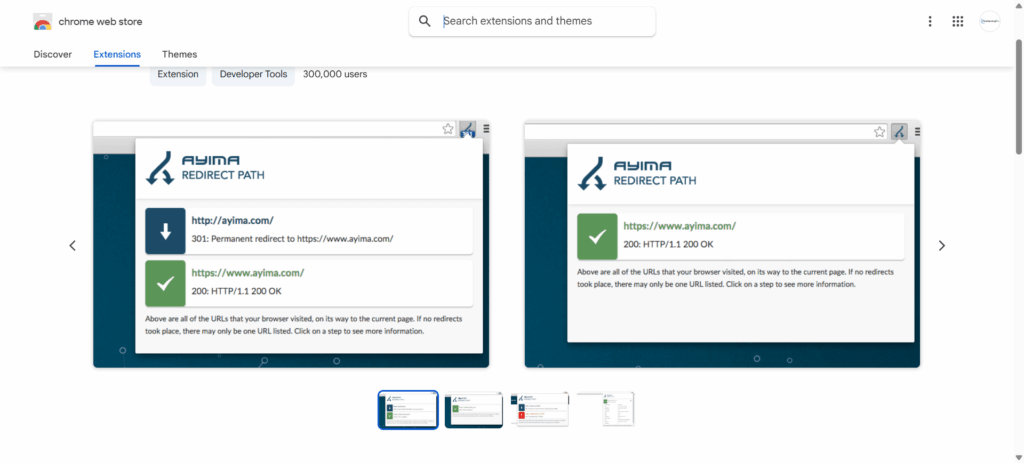
This extension flags status codes and redirect chains. While you browse a page It shows 301, 302, and 404 errors instantly. This helps when you update internal links and want to check that they open the right page.
One thing to keep in mind: cache and CDNs can sometimes show different results, so it’s a good idea to check the page in an incognito window as well.
11. Check My Links or Link Grabber (for Collecting URLs)
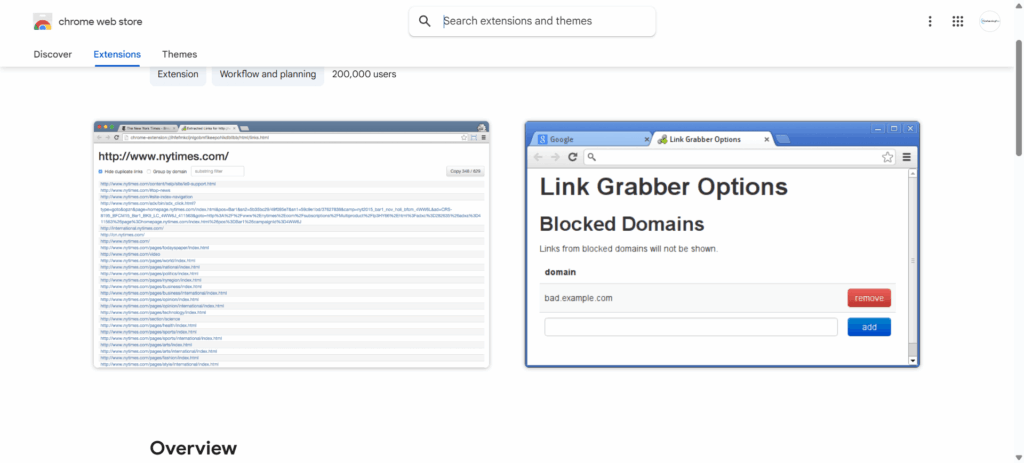
This extension helps you spot broken links. The key feature is quick scanning for dead outbound links on a draft page or resource list. Use it before publishing a “tools I use” post with many references. Keep in mind that link checkers may sometimes report errors if a website blocks bots.
Images, Screenshots, and Quick Design Fixes for Blog Posts
Visuals can teach faster than paragraphs, especially in tutorials. These extensions help you capture and match assets quickly.
12. Awesome Screenshot (or GoFullPage)
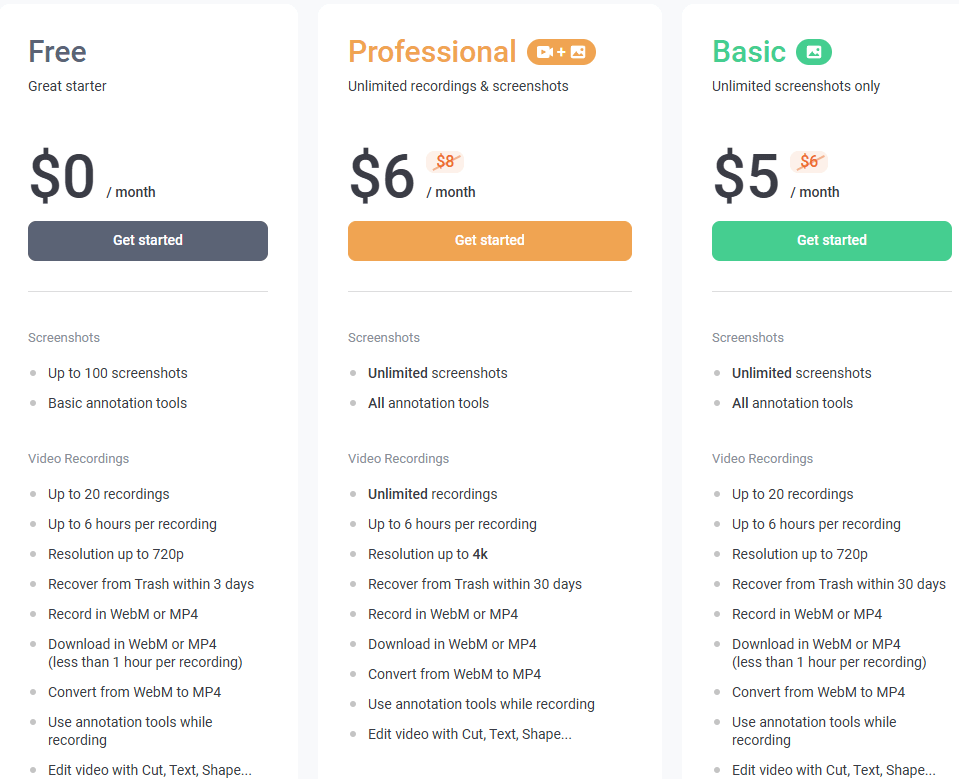
Awesome captures full-page screenshots and annotated images. The key feature is scrolling capture, which is great for showing a complete settings page. Use it when you’re writing step-by-step guides and need clean visuals.
Caution: Screenshots can expose emails, account IDs, or open tabs, so crop before you upload.
13. ColorZilla
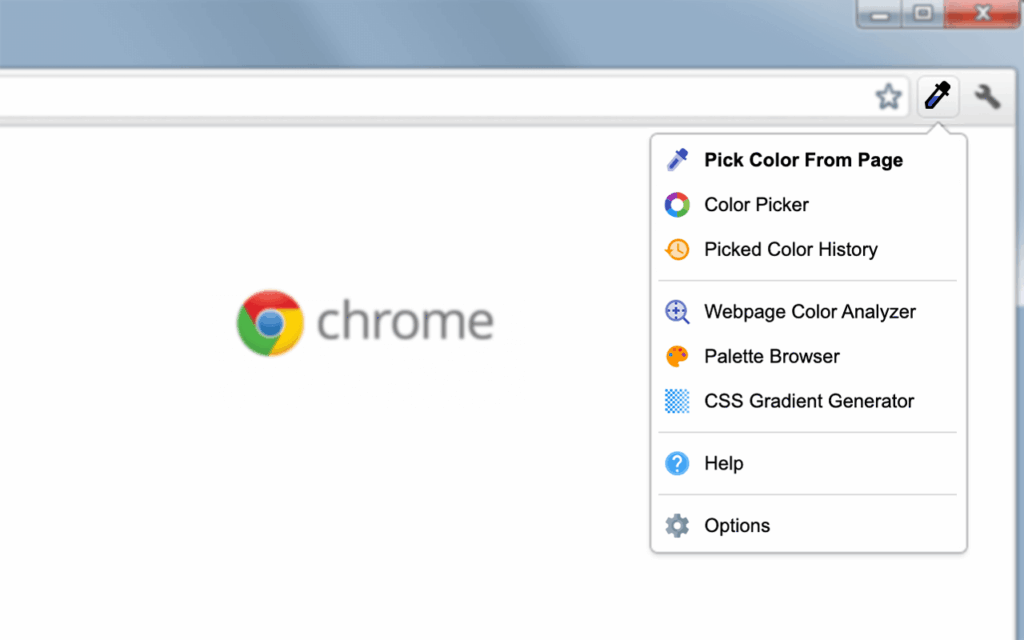
ColorZilla lets you pick any color from a webpage. Its main feature is an eyedropper tool that quickly gives you the hex color code. Use it when you want callout boxes or button images that match your blog’s palette.
Caution: color sampling can be slightly off on some displays, so test with your theme. Also, keep image basics in mind: name files clearly, compress when needed, and avoid uploading huge screenshots if a smaller crop tells the story.
14. Buffer (or Publer)
Buffer makes sharing easier from your browser. The key feature is scheduling while you’re already on the page, so you don’t lose momentum. Use it when you publish a post and want two follow-up shares next week.
Caution: Free plans can be limited, and too many scheduled posts can start to feel noisy.
15. Bitly
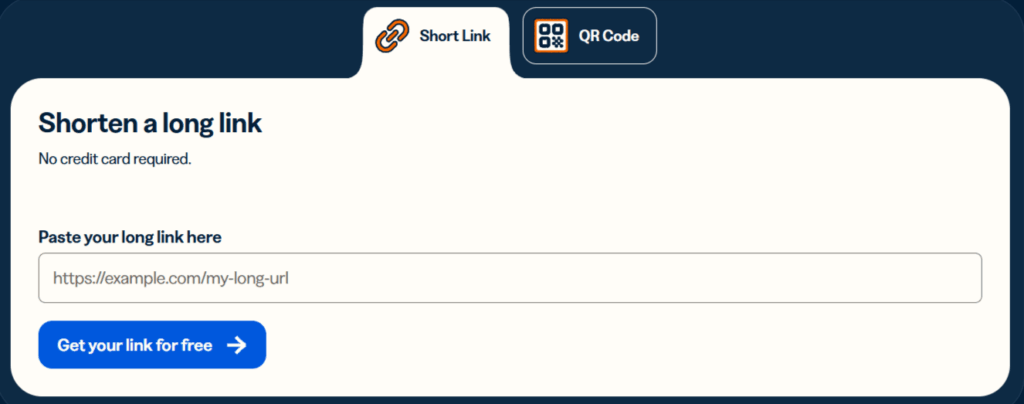
You can use Bitly for creating short links and basic tracking. The links are readable and work well in social bios and emails. You can use it when you share a lead magnet and want simple click feedback.
Caution: You may find link tracking sensitive in some niches, so be clear about intent. Also, avoid over-tracking.
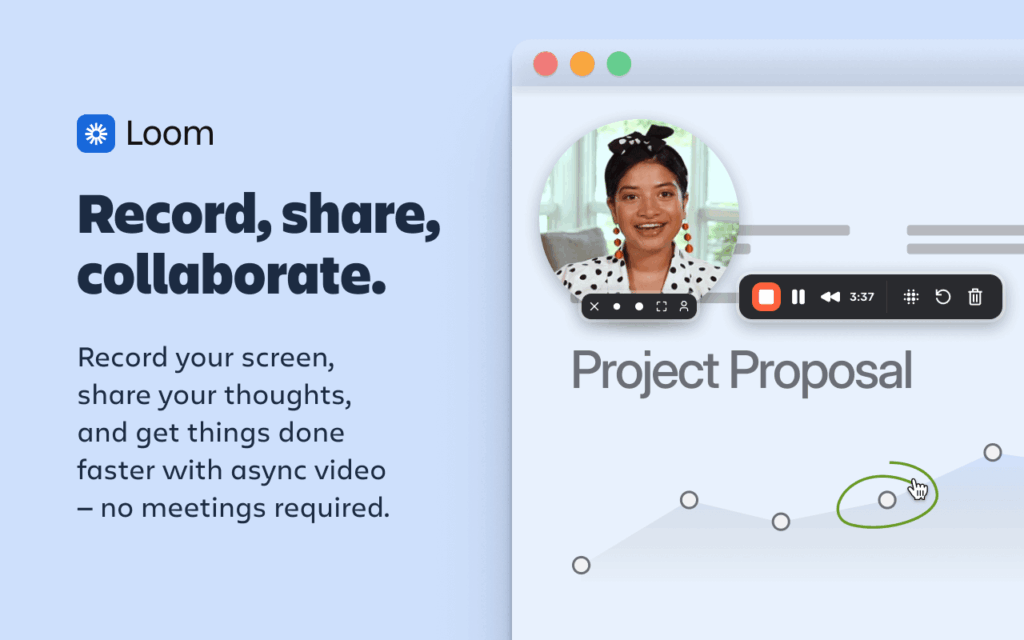
16. Loom
How to Choose the Right Extension
Among so many extensions available, it is difficult to decide which is useful for us. If you install so many extensions, your browser may become slow. Choose the extensions that solve your bigger problem.
Start with three extensions in the beginning: one for writing, one for research, and one for SEO. Observe changes in your writing work for one week. If everything goes well, then you can consider more. Uninstall the extension that you didn’t use. Also, check for overlap. Two grammar tools can clash with each other.
The other issue is your privacy. Some extensions can read page content on the site you visit. Others can access what you type, payment information, and analytics. The best way is to install only that extension on which you have trust.
A Quick Safety Checklist
- Before installing any extension, check the latest reviews and the date it was last updated
- Read permissions carefully
- Skip the extensions that ask “read and change all data.”
- Keep your browser (Chrome) updated
- Keep a separate Chrome profile for blogging tools and logins
Conclusion
The best Chrome extensions for bloggers are that save time on repeat tasks without any risk. They should be easy to install and have a simple user interface. Pick tools that help with your daily work. Start with your biggest need. It may be writing a blog, research, SEO checks, or promotion.
Your workflow changes as your blog grows. Therefore, review each extension once a month. Install one extension at a time and see the results for a week. If everything is ok, then install another. Avoid installing too many extensions, as it can slow down your Chrome browser. Remove the unused ones.